Post once, shown everywhere
A notice goes to the lobby screens, the website, the residents' area and phones at the same time, and comes down by itself on its end date.
The board or the front desk posts once, and the lobby screens, the building's website, the residents' area and residents' phones all show it within a minute. No app to install, nothing new to learn.
Made by D&J Strategies in New Jersey. Screenshots show a fictional demo building.
Clear communication, a record of decisions, and control over what goes out, without running a website.
Post a notice or an alert in seconds from any device. Packages, repairs, meetings, closures.
The news that matters, on the lobby screen, online and on their phone, in the kinds they choose.
Worksites, clubs and communities have the same need. Tell us about yours; the platform is built to adapt.
Each building chooses the features that fit, and adds more as it grows.
A notice goes to the lobby screens, the website, the residents' area and phones at the same time, and comes down by itself on its end date.
One switch puts a red banner on every screen and page in the building, and sends an urgent alert to residents' phones.
Uses the TVs the building already has. Each screen keeps showing the last update if the Wi-Fi drops, and staff are told if one goes offline.
Residents turn alerts on in their browser and choose which kinds of notices they want. Emergencies always come through.
Notices, events, amenity hours, house rules and contacts, private to the people who live there.
Board, manager, front desk and residents each see what they need. Staff sign in with a fingerprint or face, no password to remember.
A decisions log the board can point to, and a Building Record page for buyers and their agents.
Residents ask to join by scanning a code on the lobby screen, or the manager invites everyone at once from a spreadsheet.
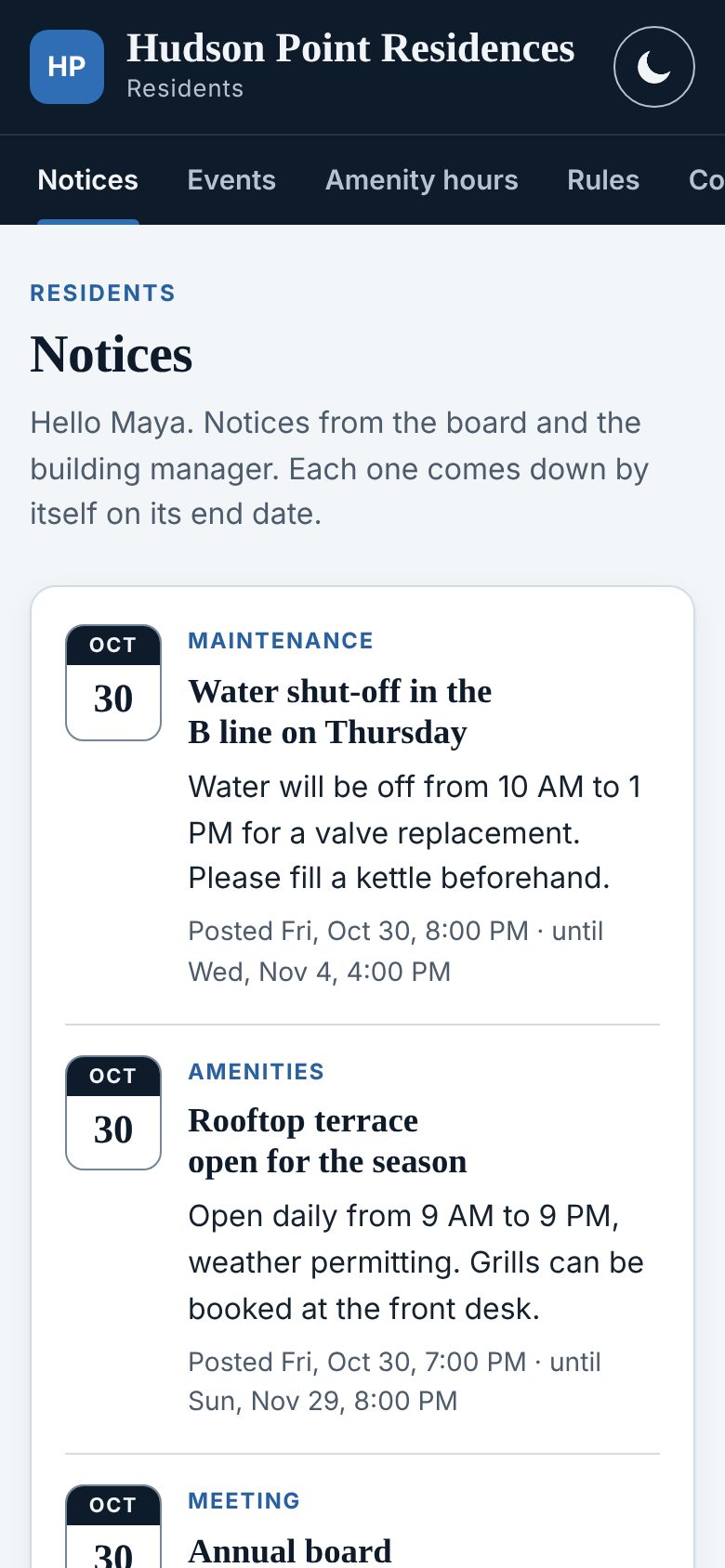
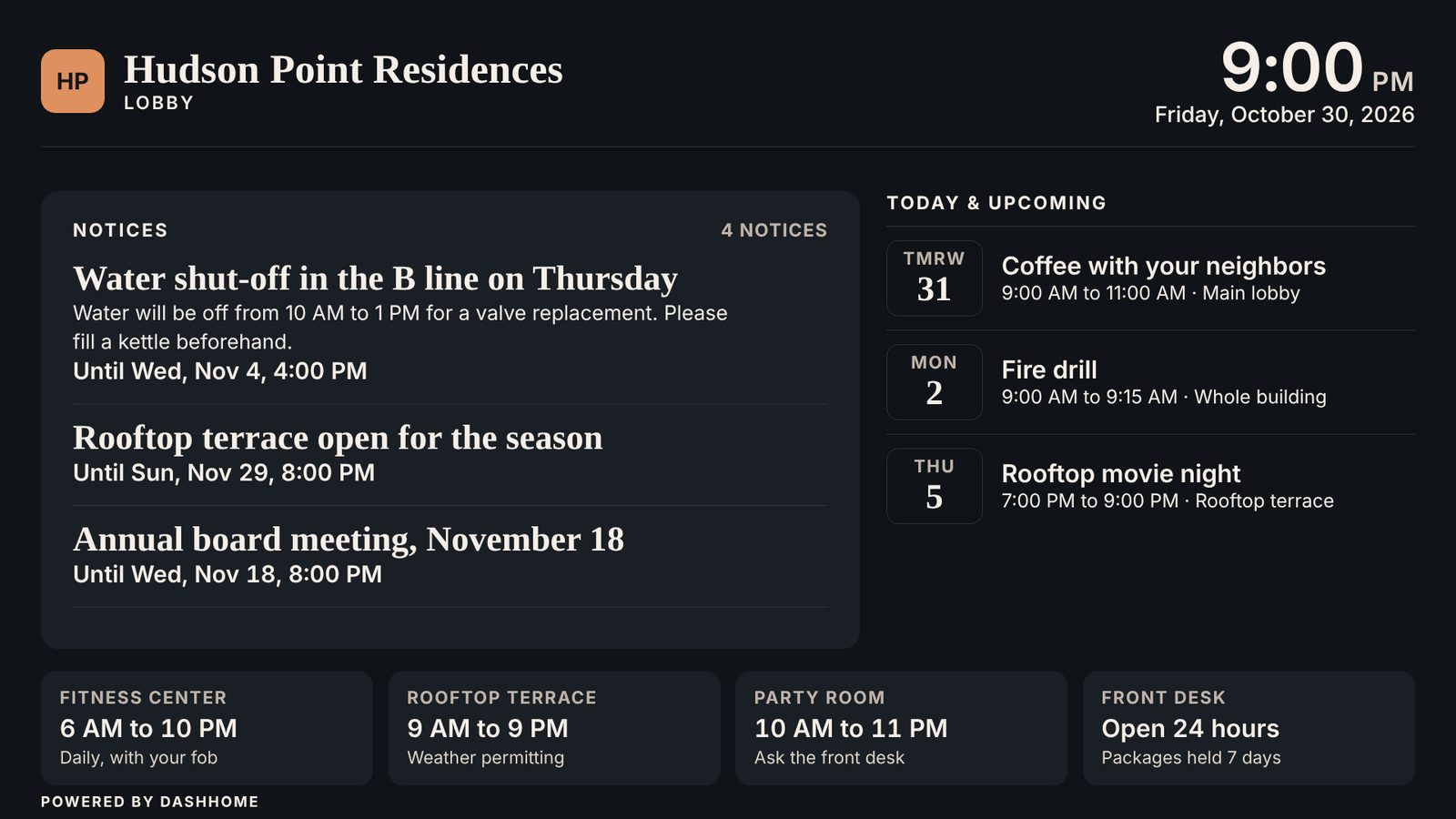
Five themes, each with a light and a dark version, in the building's colors, on the website, phones and screens alike.
Every change logged, nightly backups, a public status page, and the building's data exportable at any time.
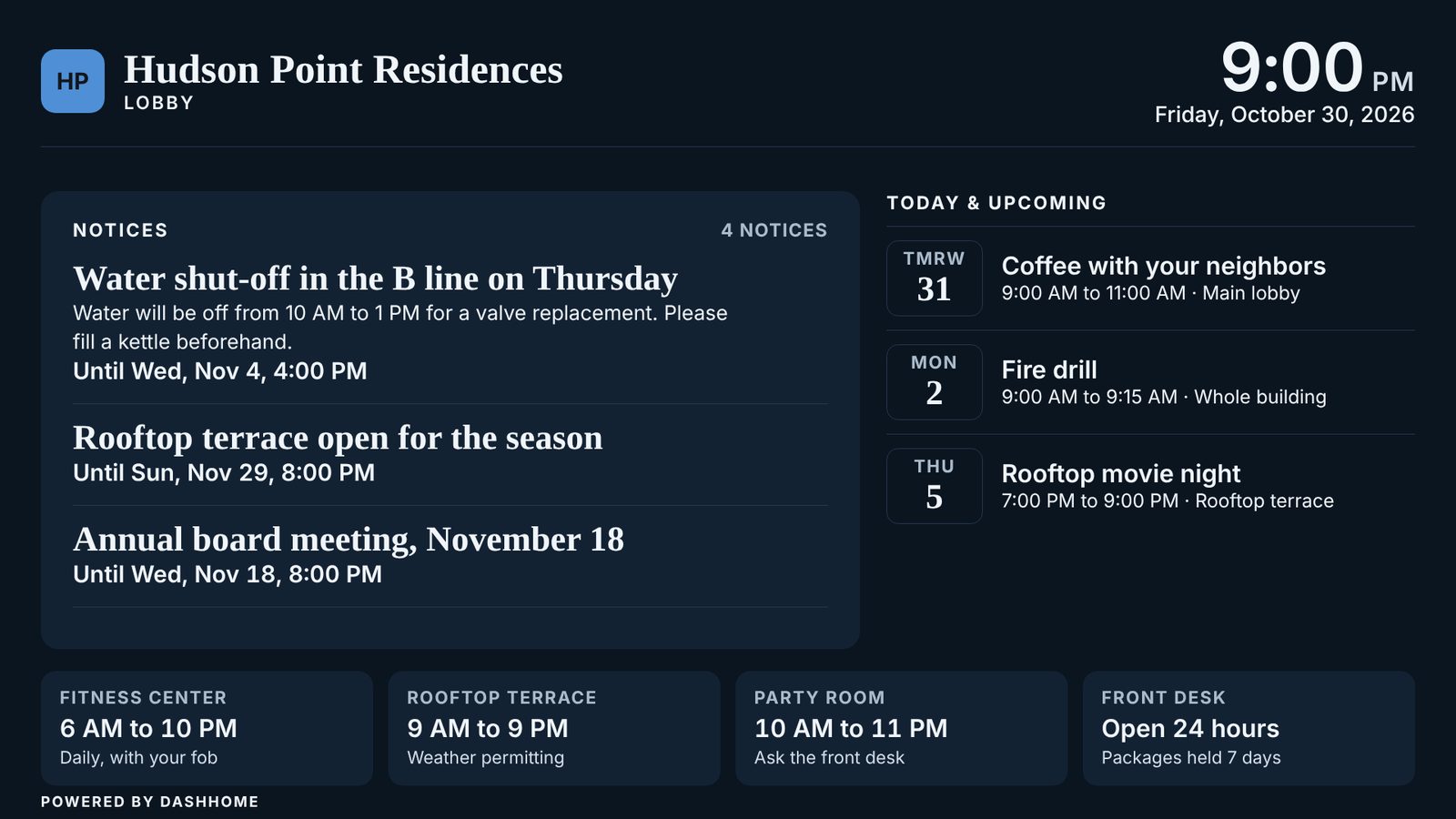
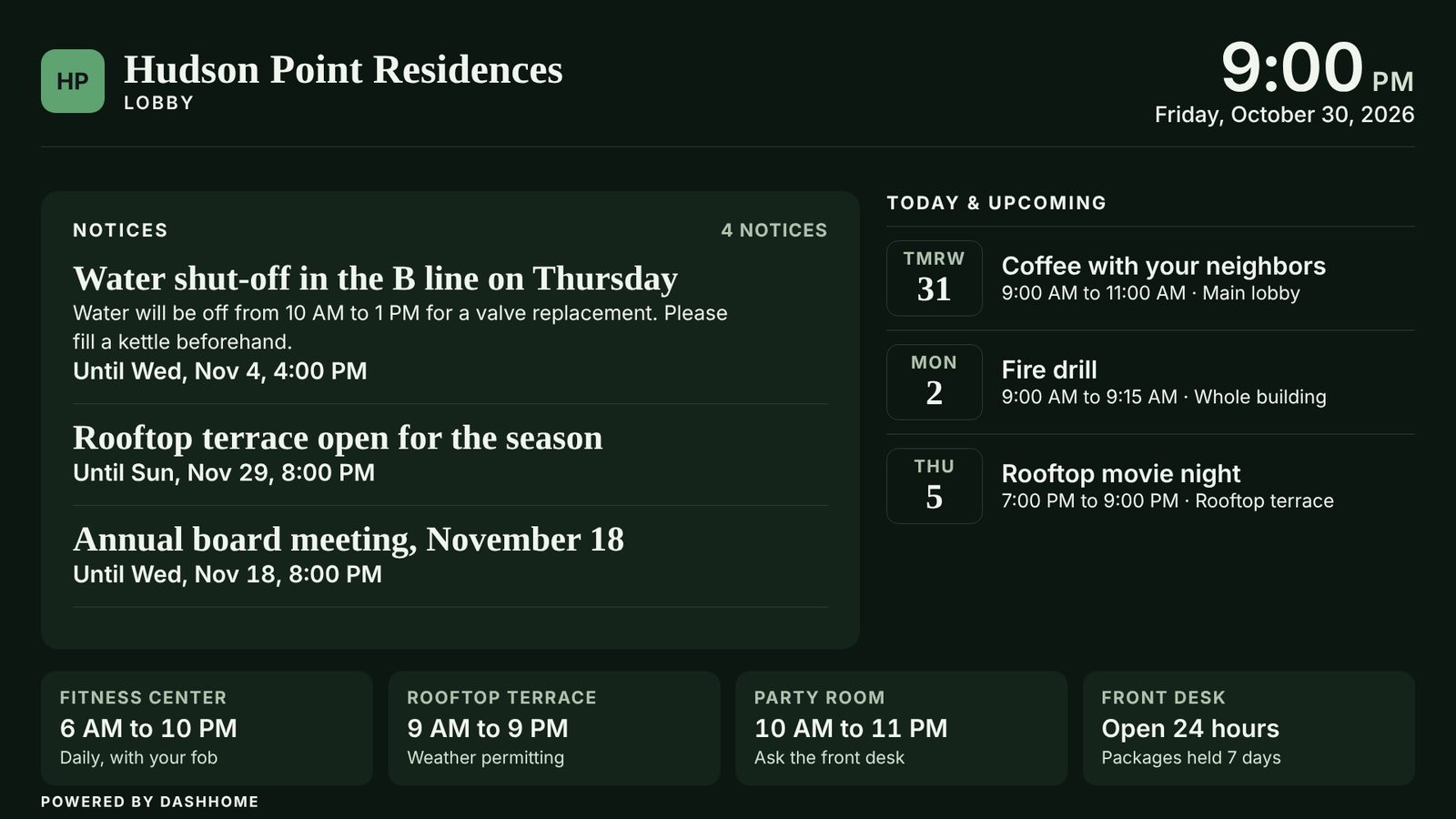
Notices rotate gently, events show for today and the days ahead, and amenity hours sit along the bottom. The screen updates itself every minute and keeps the last update if the network drops.
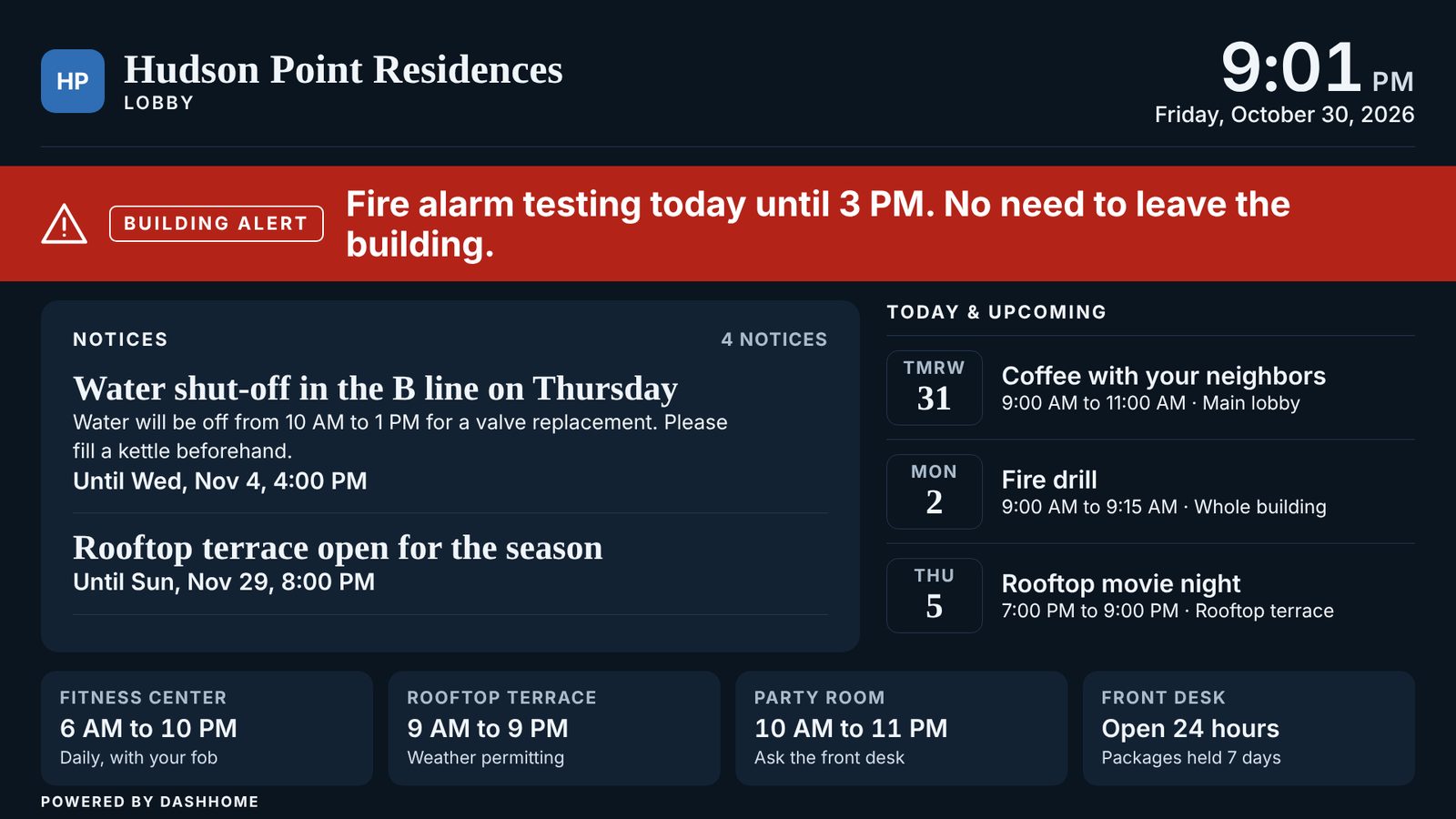
The emergency banner takes over every screen and page in red and sends an urgent alert to residents' phones. Turning it off clears it everywhere.
Notices, events and amenity hours in a residents' area that works in any browser. Residents choose which kinds of alerts reach their phone, and switch light or dark as they like.
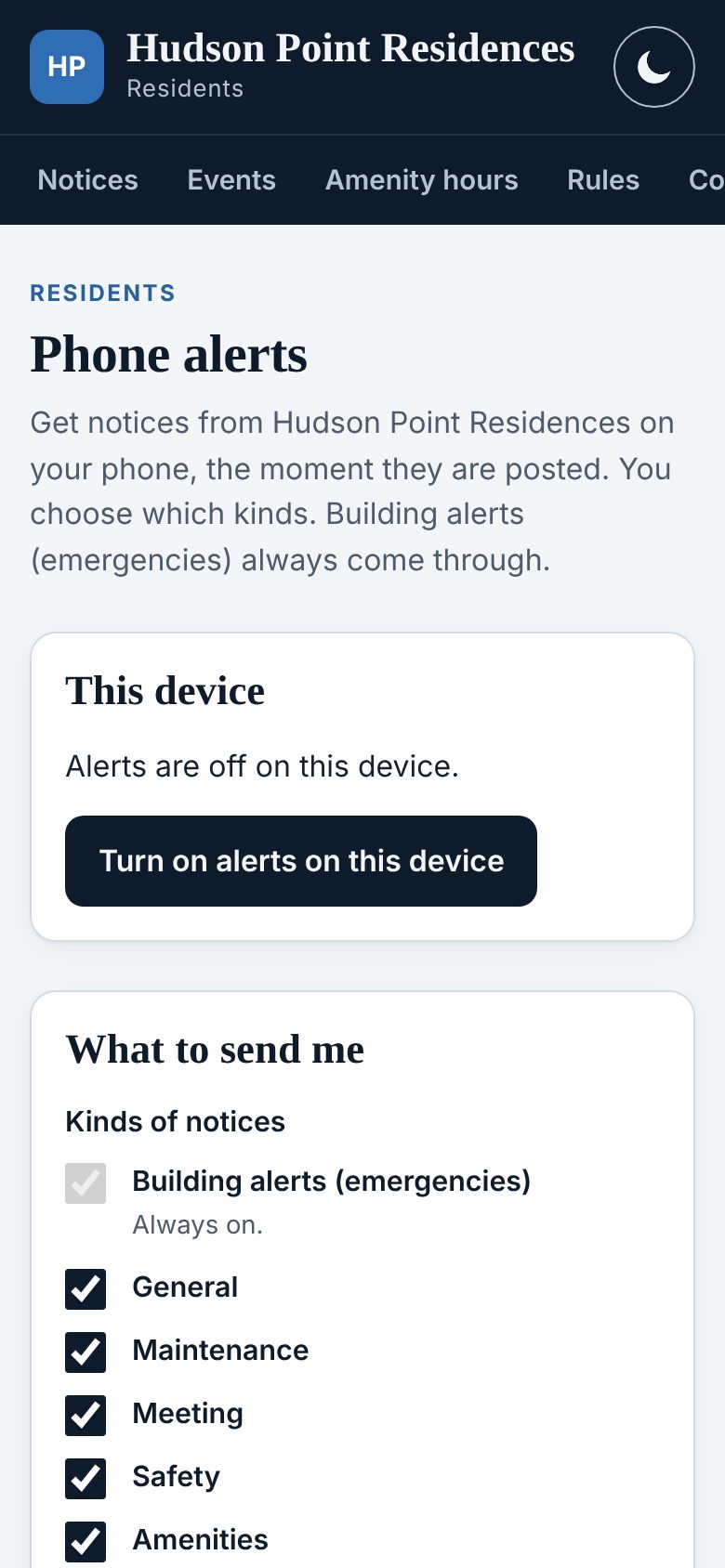
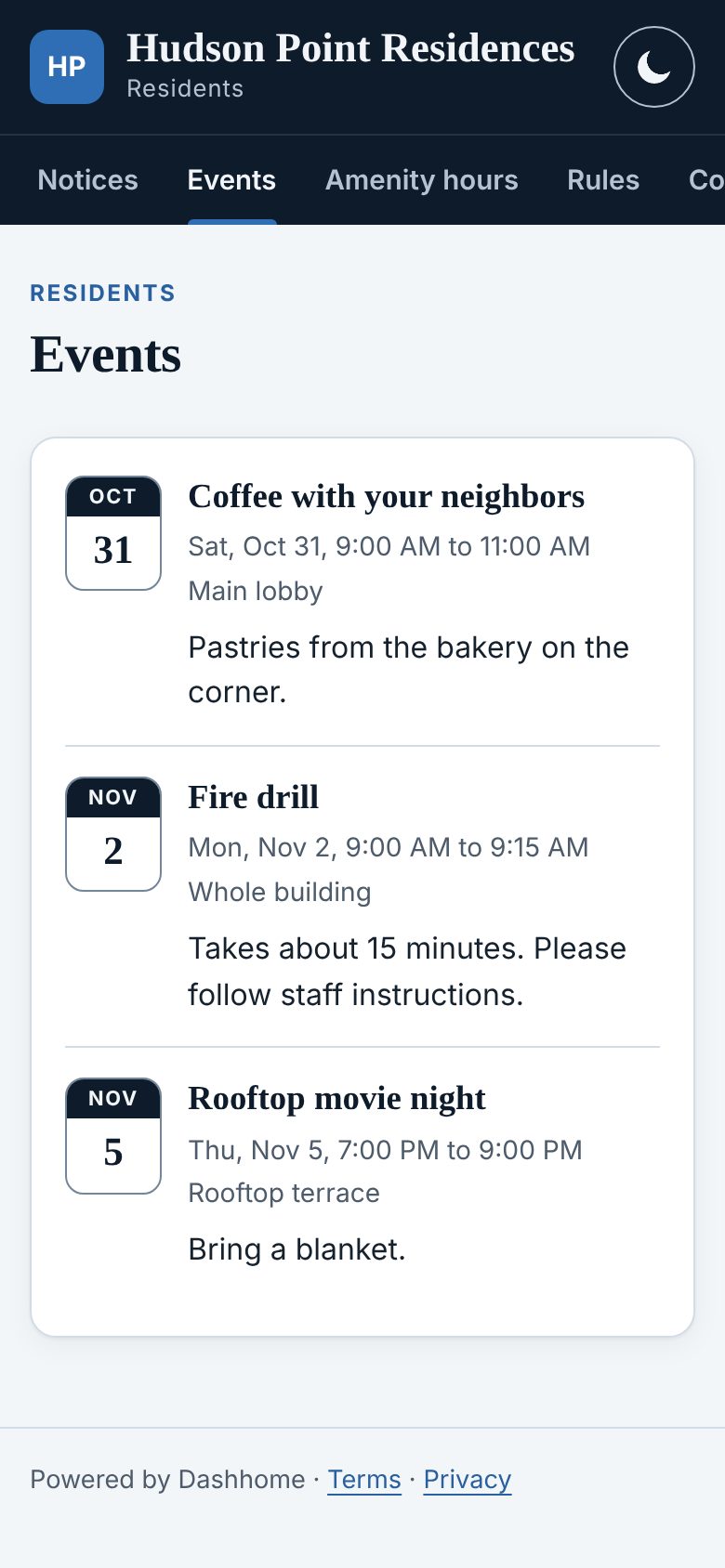
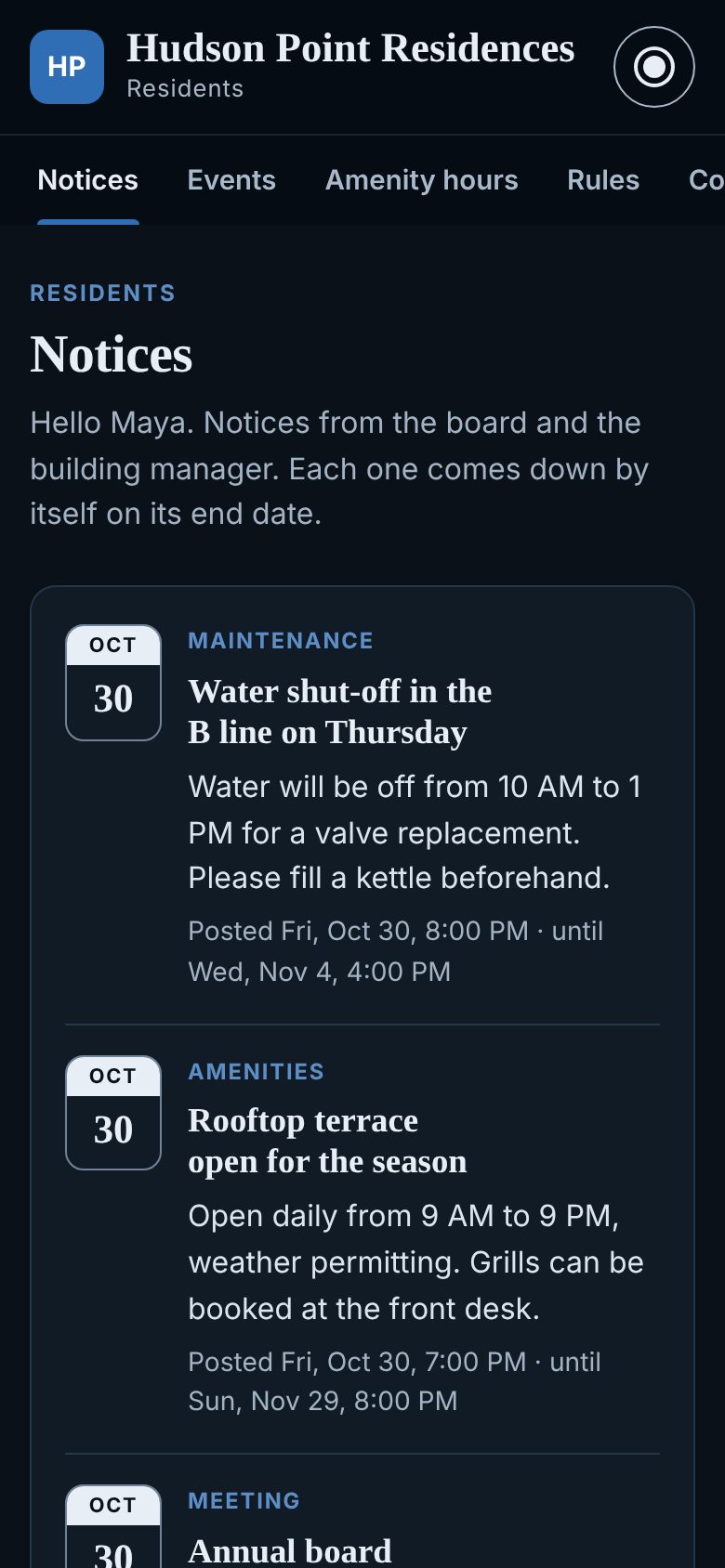
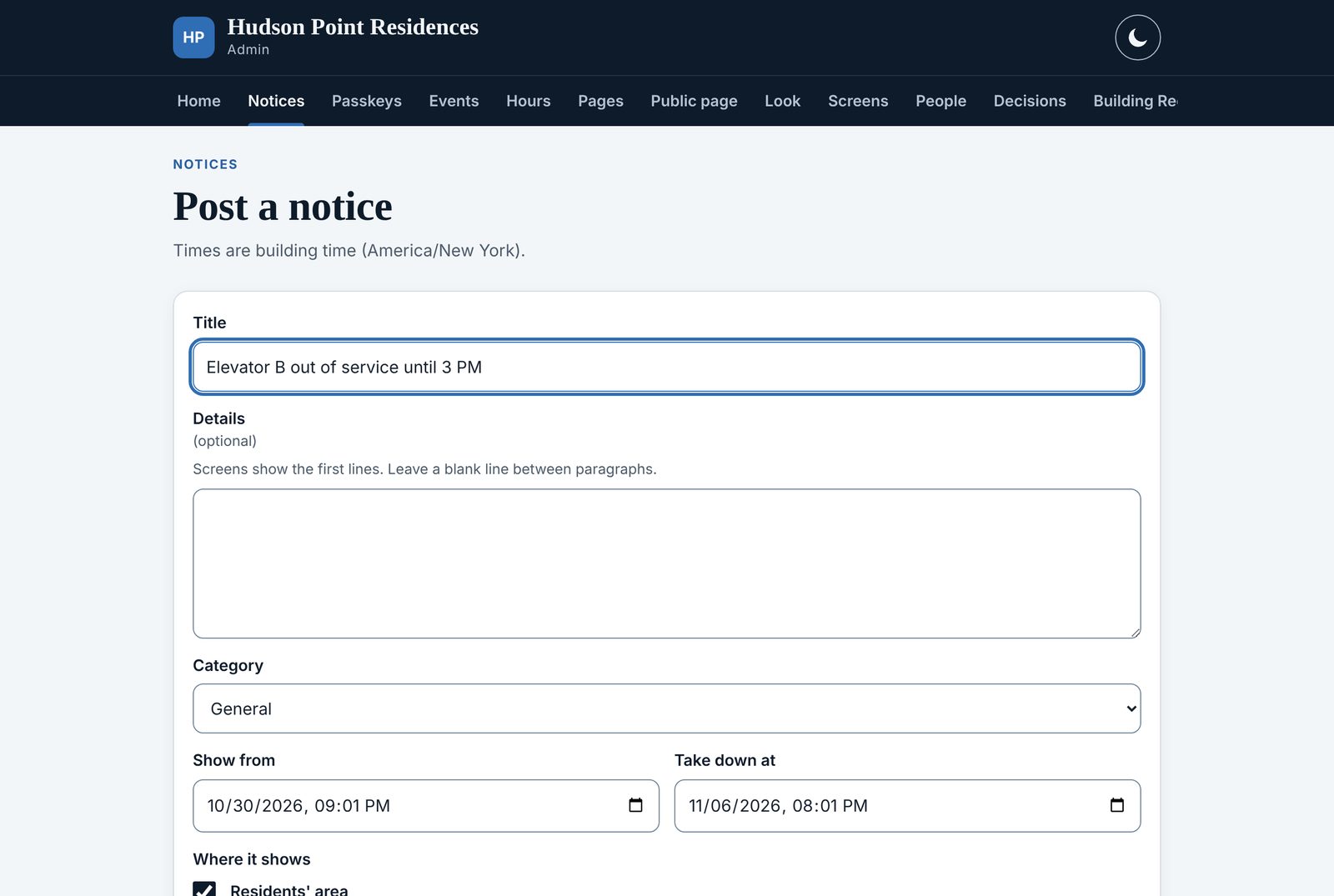
A title, a few lines, where it shows and until when. The board and the manager have the full admin; the front desk posts notices and handles the emergency banner.
Classic, Harbor, Garden, Slate and High contrast, with the building's own accent color, applied to the website, the residents' area and the screens together.
Each phase is useful on its own. The building moves to the next one when it is ready.
The foundation, used from day one.
Notices reach residents wherever they are.
After a few months of use, the board picks what comes next, for example:
The board, the manager and the front desk use it and the screens go live. Residents see the screens; the website shows "Coming soon".
The residents' area opens with the features the board chooses. Residents join by invitation or by scanning the code on the lobby screen.
Every feature in the building's plan is on, and new ones arrive as they are ready.
Every plan includes the website, notices, the emergency banner, staff sign-in, backups and data export. A one-time setup, then a simple monthly fee, month to month.
For smaller buildings
$275 a month
Or $2,750 a year, two months free. Set-up $500, included before March 31, 2027.
For mid-size buildings
$475 a month
Or $4,750 a year, two months free. Set-up $500, included before March 31, 2027.
For larger buildings and full service
$675 a month
Or $6,750 a year, two months free. Set-up $500, included before March 31, 2027.
Set-up included for buildings that start before March 31, 2027. Your price is locked for two years. Pay yearly and get two months free. Month to month, with a 30-day money-back guarantee. For a private home, $15 a month. Ask for a walkthrough.
The board can export everything at any time. Each building's data is kept apart from every other building's.
Staff sign in with a one-time email code or a passkey (fingerprint or face). Removing someone ends their access, and their alerts, at once.
Who posted, changed or removed what, and when, in an activity log the board can read.
Each building's data is saved every night and kept for 30 days.
Pages are tested against the WCAG 2.1 AA accessibility guidelines, in light and dark, on phones and computers.
Lobby screens open only with their own private address. The residents' area is for residents only.
Essential $275, Standard $475 and Premium $675 a month per building, with a one-time set-up of $500, included for buildings that start before March 31, 2027. Paying yearly gives two months free. The price is locked for two years. For a private home, $15 a month. Plans are month to month, with a 30-day money-back guarantee.
No. Dashhome works in any web browser. Residents turn on phone alerts from their browser; on iPhone they add the site to the Home Screen first, in three taps.
Usually not. Any TV that can open a web page works, directly or with a small player plugged into it. We look at your screens during the walkthrough.
The board and the building manager, and the front desk for notices and the emergency banner. On the Premium plan, we can post content for the building too.
Phase 1 can start with staff and screens soon after the agreement, once we have the building's details and content. Residents join when the board is ready.
Yes, on the Premium plan, or as an option on the others.
A one-time setup and a monthly fee that depends on the plan and the size of the building. Ask us for a proposal; it fits on one page.
The board exports all of the building's data, in a standard format, at any time. It belongs to the building.
The same platform suits any place where people share a space and need the same news at the same time: worksites, clubs and communities. Tell us about yours.
A twenty-minute walkthrough on a demo building, then a one-page proposal for yours.
Offer it across a portfolio, in your own colors, with one place to manage every building.
Talk about a partnershipIntegrators, screen installers and investors interested in Dashhome: we would be glad to hear from you.
Get in touch